Agent Chat
What this covers
Agent Chat lets a user ask questions about project data in natural language. It uses the project agent configuration, the approved model context, glossary terms, optional project-level personas, and judge rubrics to plan queries and explain results.
How scope is chosen
The agent works at project level. A project can contain multiple models, but only models enabled for the agent are included in context. If a project-level persona is selected, the agent sees only the models, measures, and dimensions allowed by that persona. Model-level row security and persona rules still apply when a query is executed.
Conversation controls
- New conversation starts a fresh thread with its own memory window.
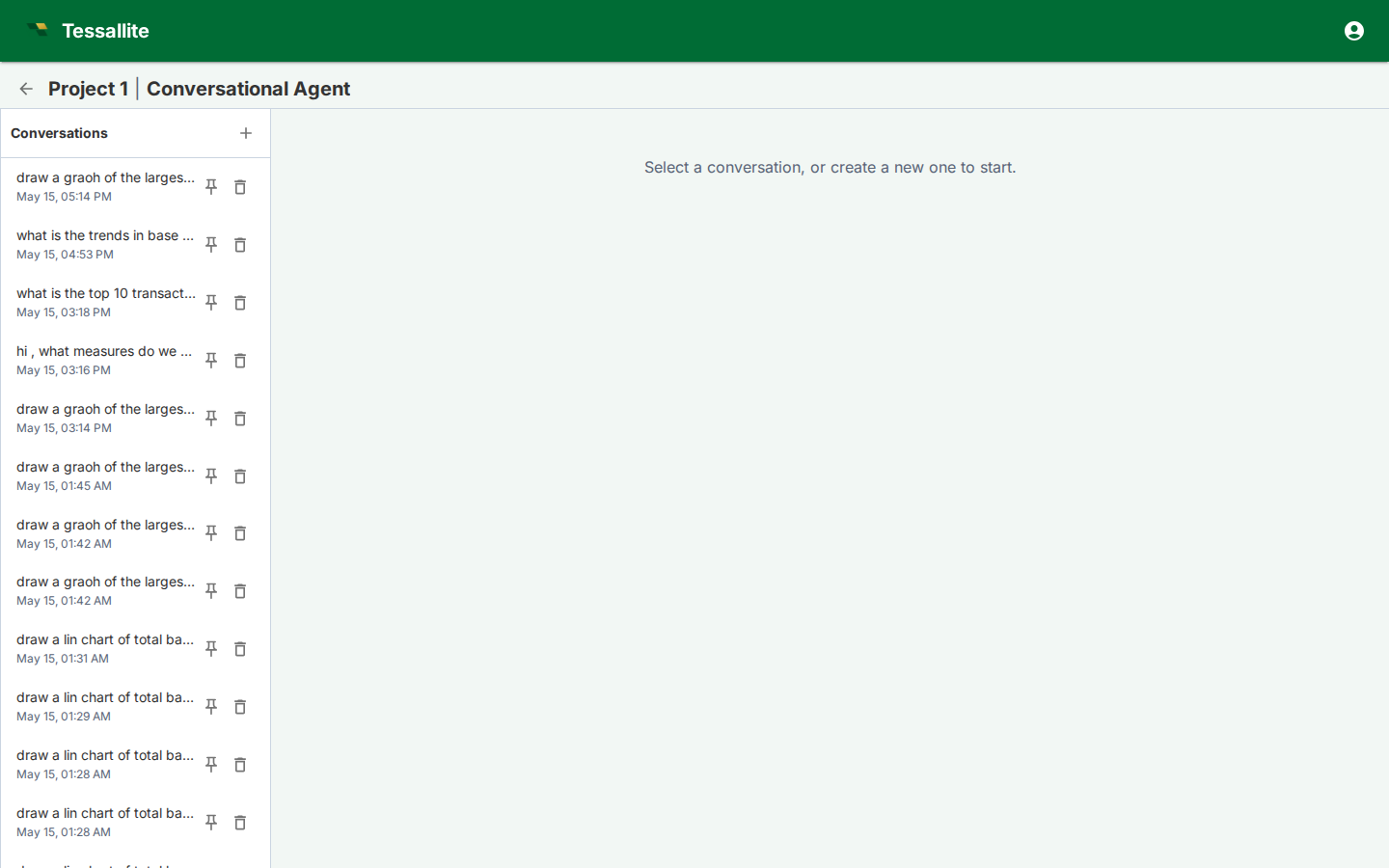
- Conversation list lets users return to previous work.
- Persona or model controls narrow the semantic context when configured.
- Trace and citations show which model objects, glossary terms, and query steps influenced the answer. Click a citation chip to open its provenance: the field's definition, the value, which data route answered it (a pre-built rollup, a smaller pocket table, or the live source), and the exact filters and grouping used — so a number can be checked, not just trusted. A "view technical trace" link inside that panel opens the same detailed trace shown for the whole answer.
- Judge verdicts flag whether the answer passed the configured quality rubric.
- Visuals and data show polished Tessallite-themed ECharts by default, with the data table kept in its own expandable section. Diagnostics such as thought summary and generated queries stay collapsed until opened.
Writing effective questions
Ask in business terms first: "What changed in April margin for EMEA?" is better than starting with table names. If the answer is ambiguous, add grain and filters: region, date range, merchant category, fiscal period, or persona. The agent can plan multi-step answers, but it is still governed by the semantic model; undefined measures need to be created in Model Builder first.
Reading time ranges and comparisons
A row grouped by year can add up many days. The year label is not the date range. Check the filters in the answer's trace to see which days were included.
When you ask for category totals and a comparison with their average, the totals stay visible. The comparison uses the complete set of totals. If the result is incomplete, the answer explains that it cannot establish the comparison from those rows.
If you ask for a fixed baseline divided by each category total, the answer keeps that ratio. If you ask how many average-sized rows make up a total, it keeps that meaning too. Tessallite only replaces an unsafe average-across-categories plan when both sides cover the same dates, filters, and people or records. If they do not match, it refuses the substitution instead of answering a different question.
When to switch to Model Builder
Use Agent Chat for exploration and explanation. Switch to Model Builder when the answer reveals missing semantics: a measure needs a clearer definition, a dimension alias is confusing, a glossary term is missing, an aggregate is needed, or a row-security/persona rule blocks the intended audience.