Excel and BI

Connect familiar tools to the same governed model.

Tessallite exposes standard endpoints so teams do not need a new query language. Excel and Power BI use XMLA. SQL and BI clients can use the PostgreSQL wire endpoint. Applications and embedded workflows can use APIs.

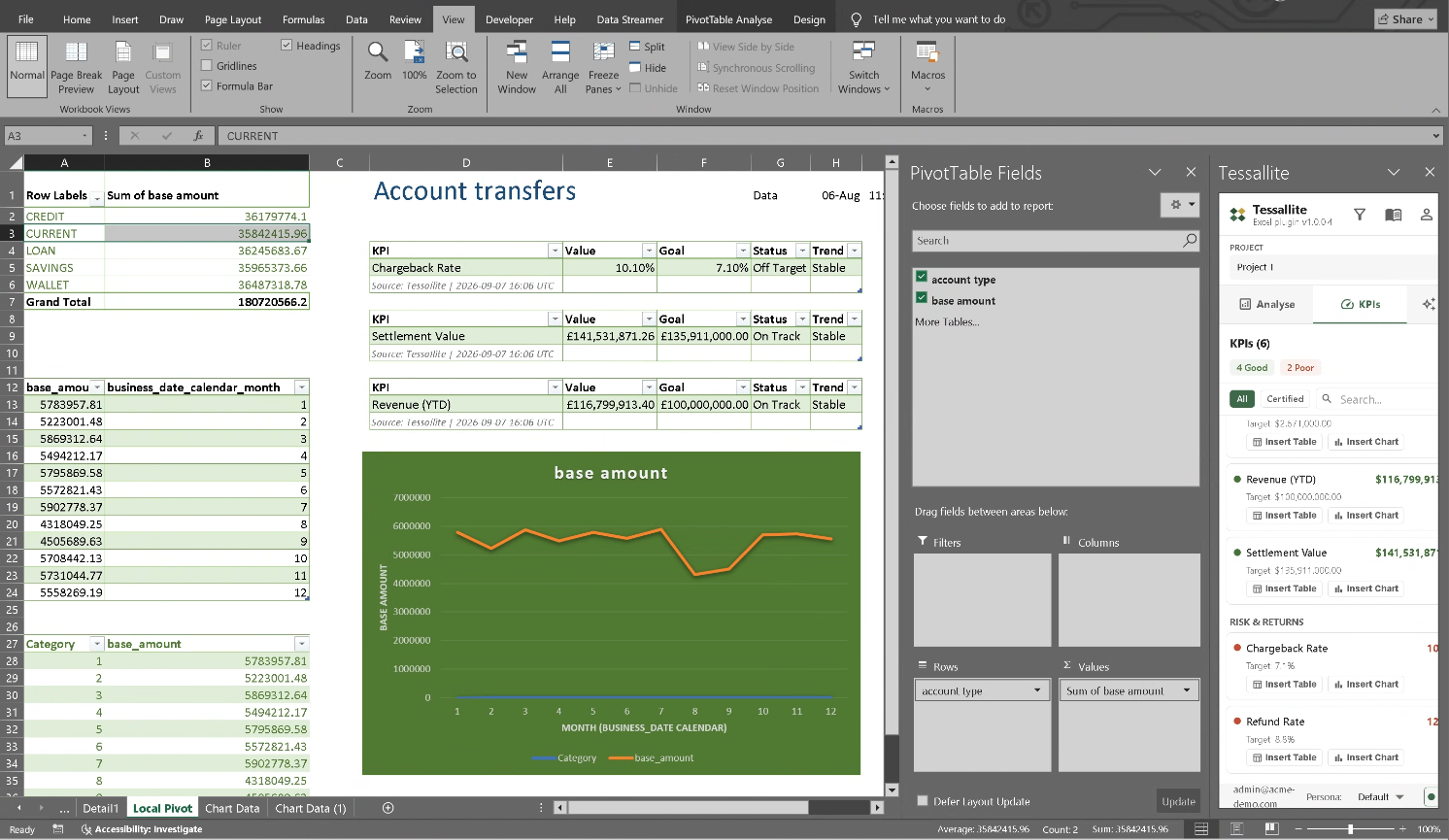
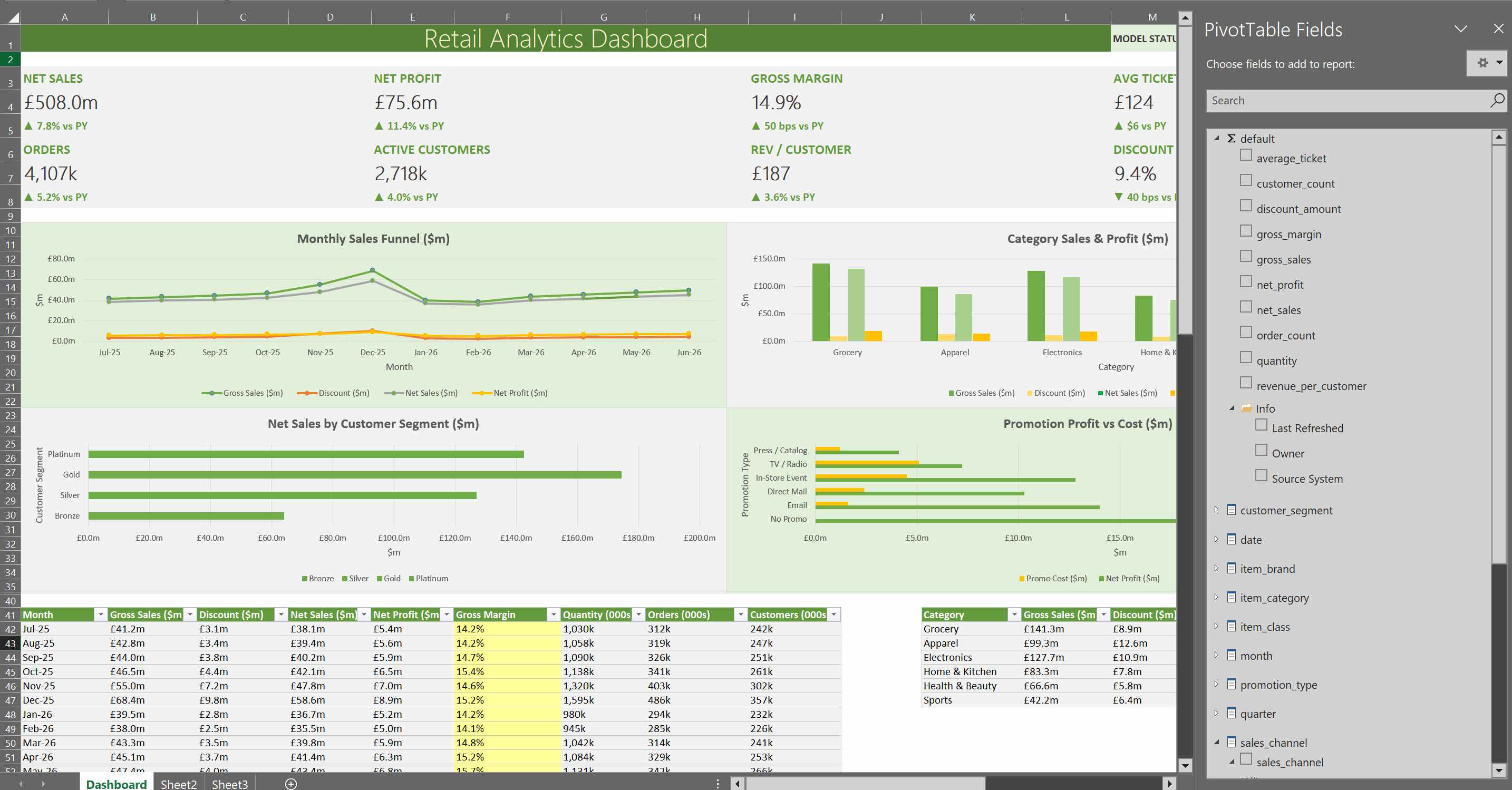
Excel dashboard connected to Tessallite model fields
Excel dashboard
Build workbook reports from governed PivotTable fields and deployed model measures.
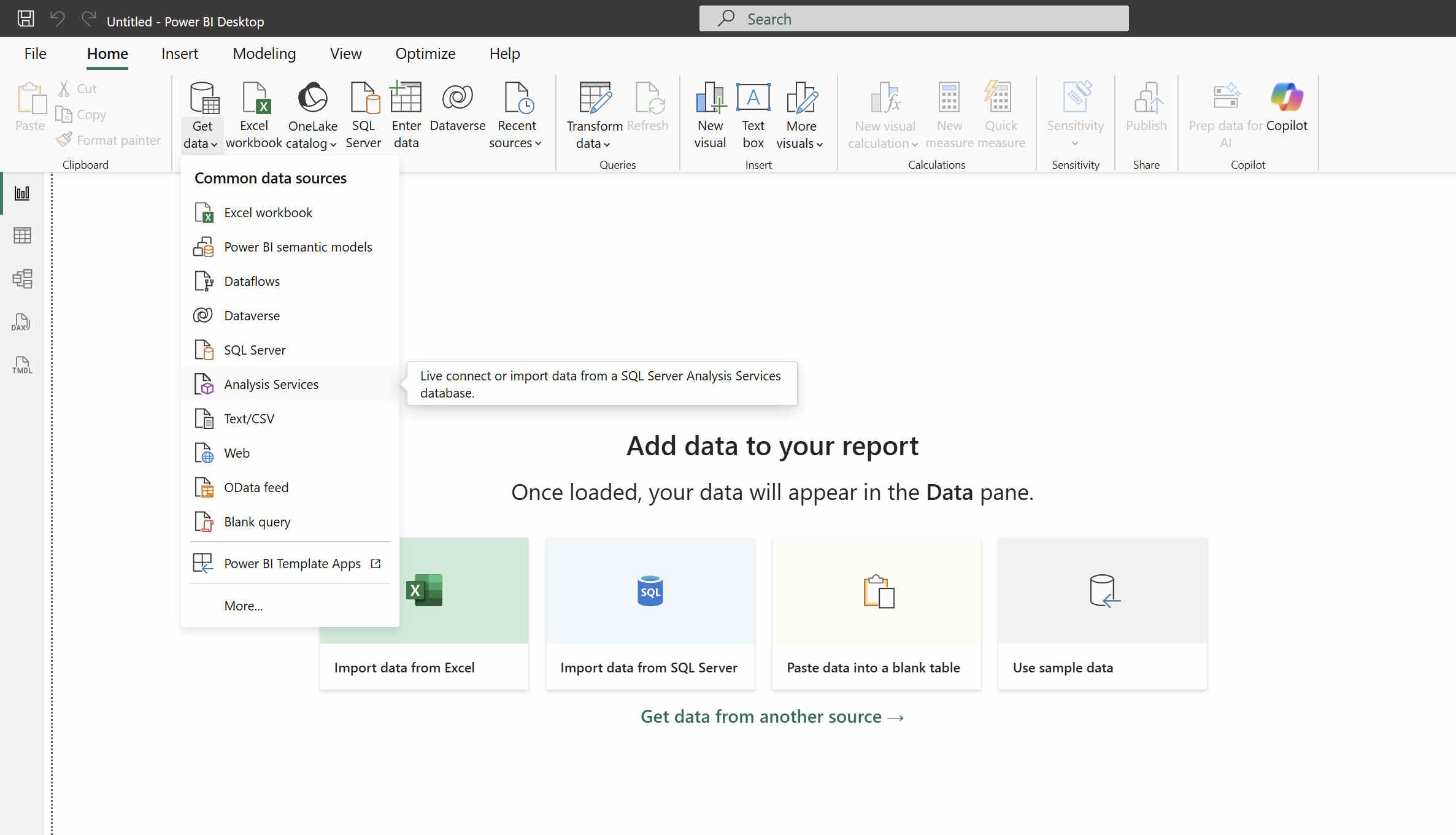
Power BI Analysis Services connection menu
Power BI connection
Connect through the Analysis Services path and use the same published semantic model.

Supported connection paths

  • Excel and Power BI through XMLA on port 8080.
  • Power BI PostgreSQL, DBeaver, Tableau, pgAdmin, and drivers through port 5433.
  • Headless API for applications and non-SQL clients.
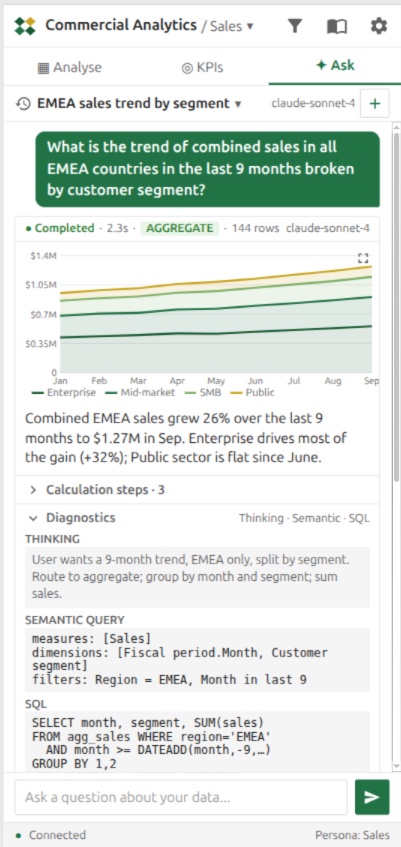
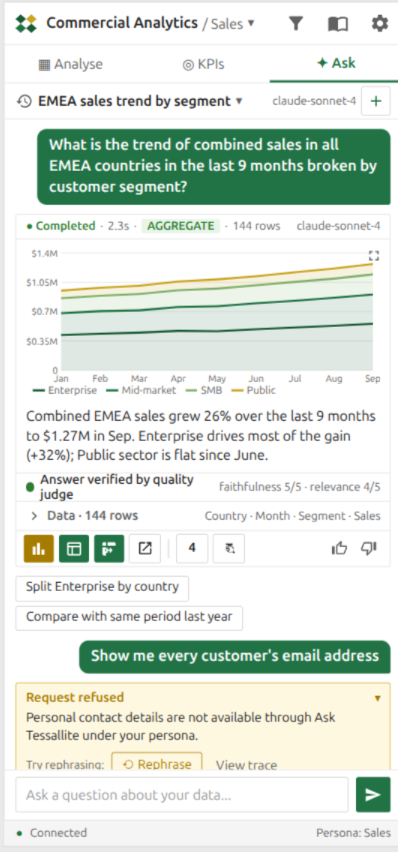
  • Excel add-in for guided report building, agent chat, CUBE formulas, drill-through, and glossary lookup.

What stays consistent

All paths use the same deployed semantic model, route selection, row security, column security, persona rules, and governed business terms. A measure should mean the same thing whether it is used in Excel, a dashboard, SQL, or Agent Chat.